- Contact Us Now: 919-915-0212 Tap Here To Call Us


Converting Documents to PDF Files


Now that the legal world is moving toward a “paperless” approach to things, I get some questions about the best ways to convert documents into PDF files. Most states moving to “paperless filing” require documents to be submitted in PDF format.
Below are a few suggestions on ways to do this:
Easiest: Buy Adobe Acrobat Pro 8.0. It will “install” a little icon in your Word tool bar that allows you to “instantly” convert and document to PDF. Acrobat is also VERY useful if you scan a lot of documents and it is really easy to redact documents, add Bates stamps, etc. If you buy it online, “Google” “Acrobat Pro rebate discount” and you will probably find a “code” to enter into the Adobe site. I saved $125 this way. It’s retailing for $449 for one computer. http://www.adobe.com/products/acrobatpro/
Free: There are a lot of free downloadable programs that will convert documents to pdf files.
Here is one that comes well rated and is a safe download from www.cnet.comPrimoPDF
The biggest drawback with some of these programs is that they don’t have a lot of ways to “manipulate” your pdf files. For example, Adobe allows you to “extract” one page out of a stack of 100. Or “insert” one page. Things like that. But this one is a pretty decent way to get things into pdf format. There are other programs, but this one gets high ratings.
Mostly Easy and Free
Get www.openoffice.org. This software is just like Word, it is free, and it automatically converts to Adobe with a single Icon. Or, you can keep using Word, save your file, open it in OpenOffice, and then save as pdf.
I’m cheap, but I do enjoy using the Adobe. You can also scan directly into Acrobat.
______________
Chris Nichols
www.NicholsTrialLaw.com
Our Address
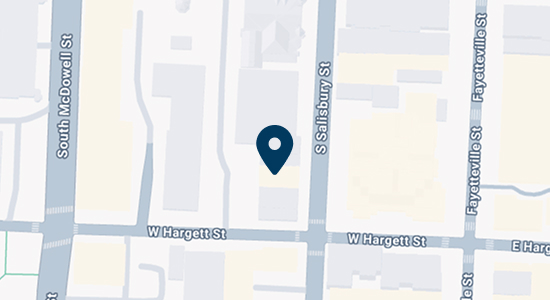
Raleigh, NC 27601

Contact Us
Call 919-915-0212 or use our online contact form to schedule a consultation.


