- Contact Us Now: 919-915-0212 Tap Here To Call Us

Redact Trial Exhibits on Your Computer


Getting Ready for Trial
I’ve been getting a case ready for trial, and I tried something new that I thought was quite helpful and I wanted to share. I always dread (and my staff dreads) the redacting of the medical records and police report for trial exhibits (and demand packages).
Why We Redact
Because of the collateral source rule, I always “white out” all insurance information on bills, auto insurance information on police reports, and other matters that I know will be objectionable or prohibited at trial. (For the non-lawyer, you may not know, but we are not allowed to tell the jury, or even suggest to the jury that the negligent person getting sued actually has automobile insurance, or, that it is the auto insurance company that will pay for the damages, or, that it is the insurance company that is refusing to make a fair settlement. Yes, we know that’s unfair, but those are the rules.)
The Messy Options of Redaction
Over the years I’ve used liquid “white out”, tape strip white out, roll on white out, and just about ever product they have released. That resulted in an often messy exhibit, requiring “whiting out” recopying, whiting out and recopying. No fun.
Scanners Work Better than White Out
Despite the fact that I have been using a scanner in my practice for a while, I kept using the “old school” whiteout method out of habit. No more. This time I simply went straight to all my scanned documents.
A Few Simple Steps
- I saved the medical bills and the police report under new file names, such as “medical records redacted.doc” and “police report redacted.doc “.
- I then used PaperPort to access the .pdf file and I then used the “eraser” function to simply “erase” the information that I normally “whited out”.
- When I was done, I printed the pages out and they were ready to go to Kinko’s for enlargement.
You could use any program that allows you to add text or images to a .pdf file. You could probably even “paste” a .pdf image into a Word document and use the “picture editor” to erase info, though the tools in PaperPort are much easier.
The Advantages Over Old School Methods
The “eraser” function was so much more precise and easier than the old method, plus, it doesn’t leave “white out shadows” or smudges, and it erases the problem the first time, every time. Also, it makes it easy to make multiple copies with different redacting marks, such as for a police report where you are not sure how much information a judge will let in at trial, so you have to have “choices” on the exhibit.
I’m not sure why this didn’t occur to me earlier, but I suppose that old habits die hard sometimes.
Chris Nichols
www.NicholsTrialLaw.com
Our Address
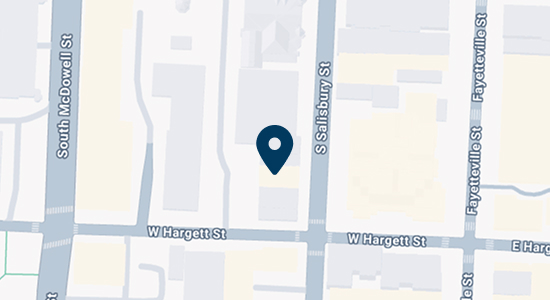
Raleigh, NC 27601
Contact Us
Call 919-915-0212 or use our online contact form to schedule a consultation.


